Your fiber arts inspiration, all in one place.
Follow what you love, without a social network.
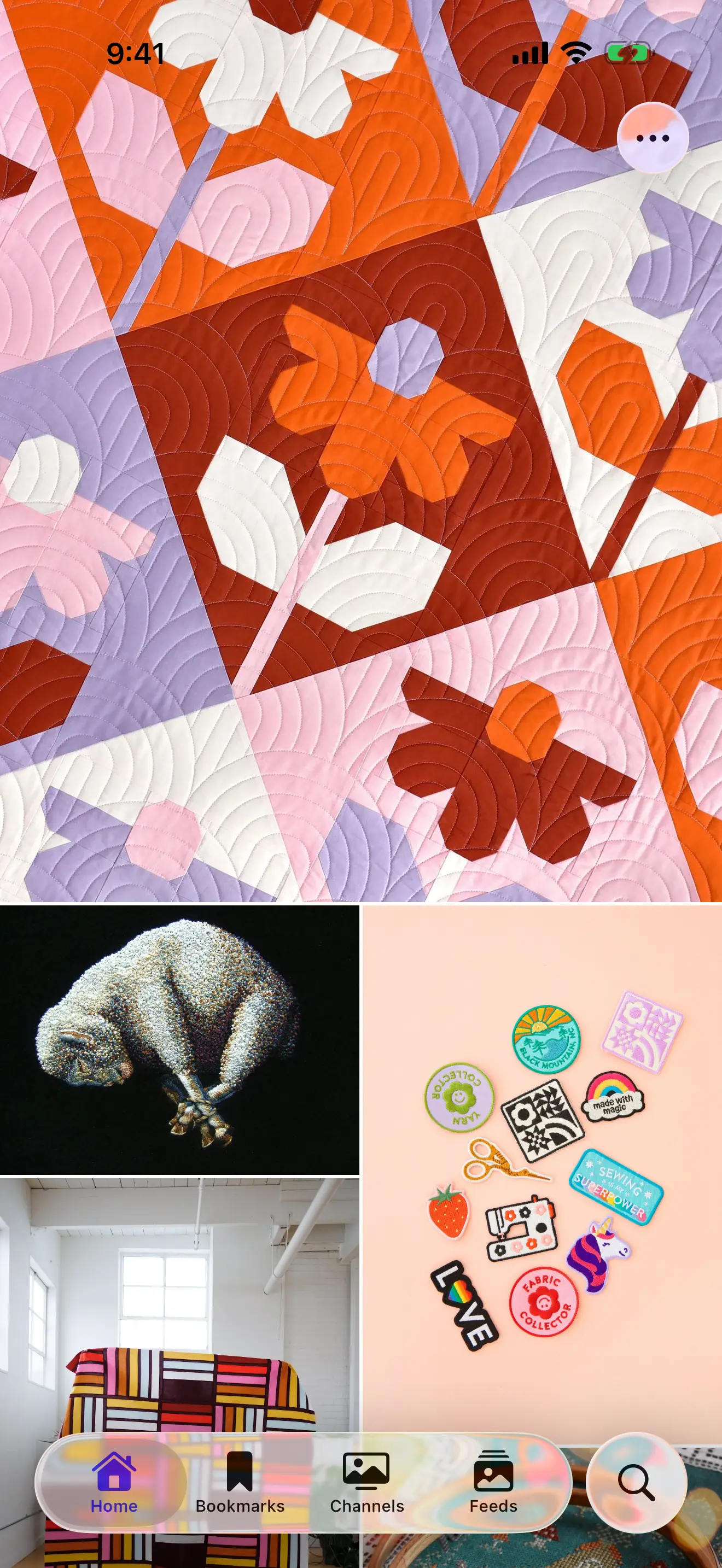
“Words? We don’t need those.”
A personal gallery of everything you follow
LightWatch is an app for following the stuff you like to look at. It ignores the words and shows just images and videos from the blogs, artists, and sites you care about. It’s as simple as that — cool stuff to look at, whenever you check the app.
Most websites already publish updates in a format LightWatch can follow. For sites that don’t, you can create your own feed for personal use, if you’re up for a DIY project.
No account required
You don’t need an account — your data syncs with iCloud.
No algorithms
Posts only appear in the order they were published.
No Doomscrolling
You choose your sources. If you get caught up, go do something else.
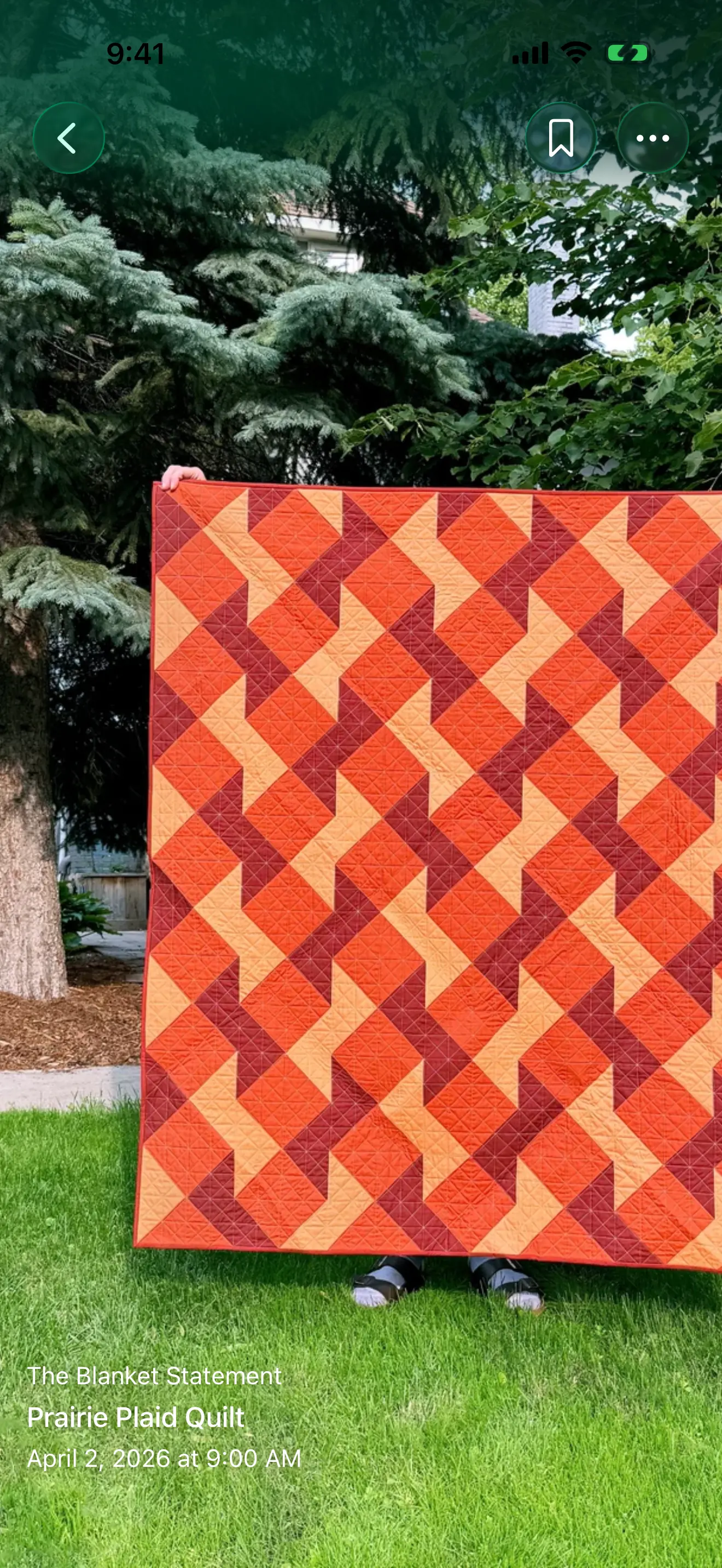
Free: A rich, visual experience
Browse in a Pinterest-style masonry grid or an Instagram-style vertical gallery.
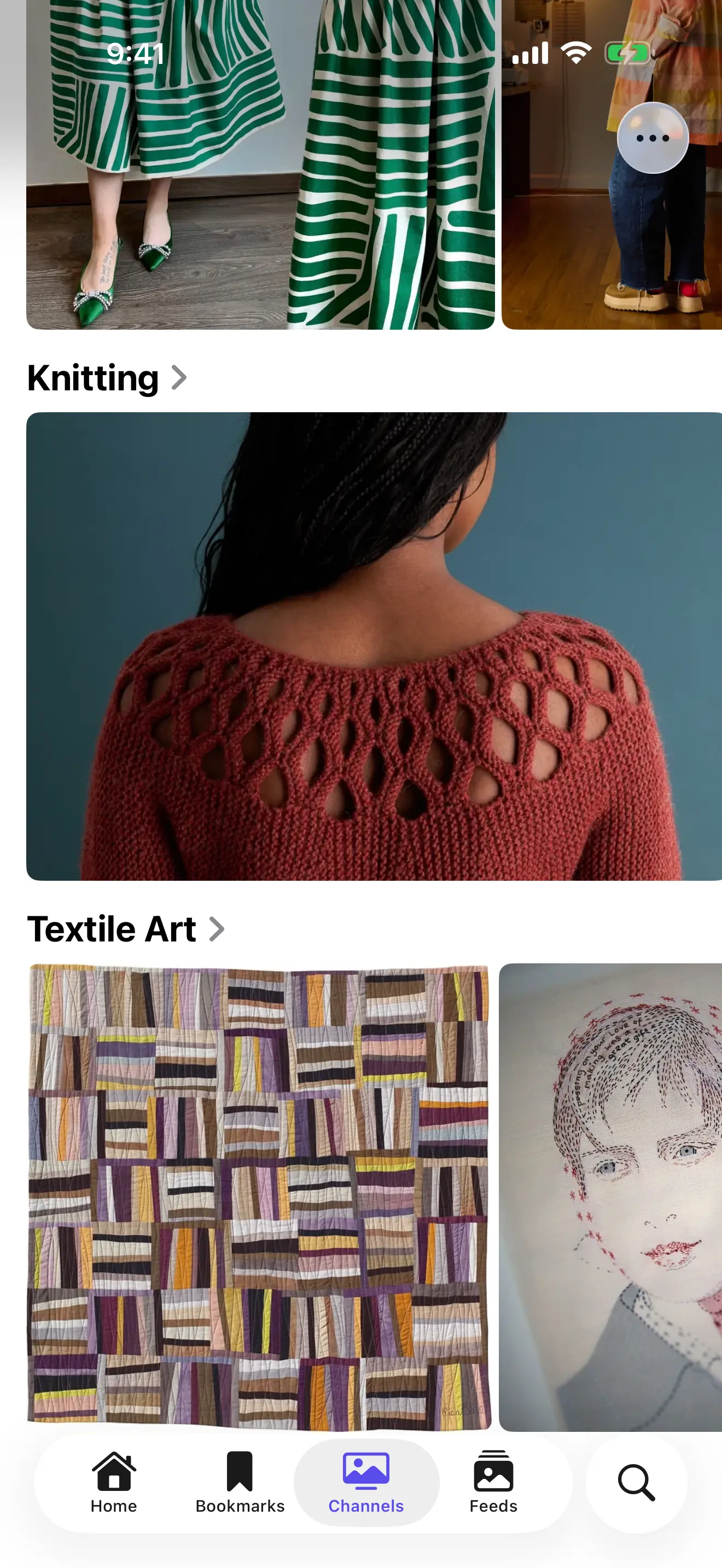
Free: Channel your interests
Organize by what you care about, not where it comes from.
Free: Bookmarks
See something cool? Bookmark it to save it for later.
Free: Follow your favorite sites
Paste a site’s address and LightWatch finds its feed for you.
Rad: Article content
Pull in full-size images from linked articles when feeds only include thumbnails.
Rad: Filters
Keep icons, buttons, and unwanted posts out of a feed’s gallery.
Free: Discover new feeds
Curated discovery feeds introduce you to new sources of interesting things.
Free: Hidden content
Keep feeds and channels behind Face ID, out of your everyday browsing.
Free: Feed sharing
Send your favorite feeds to other people (so they’ll install the app too 😉).
Free: iCloud sync
Your feeds and bookmarks sync across devices automatically.
Free: Parental controls
Kid mode prevents adding or removing feeds and disables analytics.
Free and Rad: Data management
Import and export feeds as OPML and bookmarks as JSON.